Hill Auto Tricks 3D: Wild Vehicle Rally Experience 3D
Instructions:
Keyboard ControlsDescription
Hill Auto Tricks 3D: Wild Vehicle Rally Experience 3D Strategy Guide
Top Tips
- Keep an eye on your speed before hitting a ramp — going in too fast can send you flipping past the landing zone instead of onto it.
- Bank your mission cash early. Faster cars aren't just for show, they actually change how forgiving the hill climbs feel.
- Tap the brakes mid-air if you're spinning too hard. It sounds silly but it genuinely helps you straighten out before touchdown.
- Learn each track's slope pattern before rushing the clock — blind gunning usually ends with your car on its roof.
- Don't ignore the smaller side missions around town. They're quick, and the payout adds up faster than you'd expect.
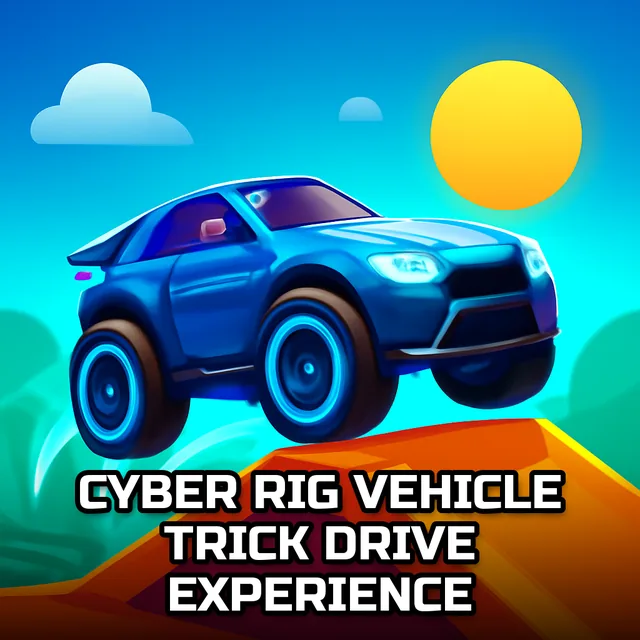
The setup here is simple enough: you've got a garage of extreme GT-style cars, a town full of dirt hills and ramps, and a timer that never really stops breathing down your neck. Missions send you tearing across bumpy terrain, chaining jumps and drifts to rack up cash, which then goes right back into unlocking quicker, tougher rides. There's no dressing it up as anything deeper than that — it's stunt driving distilled down to ramps, momentum, and a leaderboard-less race against your own clock. The physics engine does a lot of the heavy lifting, too. Landings feel weighty rather than floaty, and a bad angle on a jump genuinely punishes you, which keeps things from feeling like a mindless button-masher even in short bursts.
Controller & Keyboard Guide
- Arrow keys or WASD handle acceleration, braking, and steering — nothing fancy, just responsive enough for hill work.
- Holding the accelerator through a slope builds the momentum you need to actually clear bigger jumps.
- Tapping the brake mid-flip adjusts your car's rotation, which matters more than people expect on tricky landings.
- Steering left and right while airborne gives you a bit of control over your landing angle, so use it.
- Quick taps rather than held inputs tend to work better on tighter, twisty sections of track.