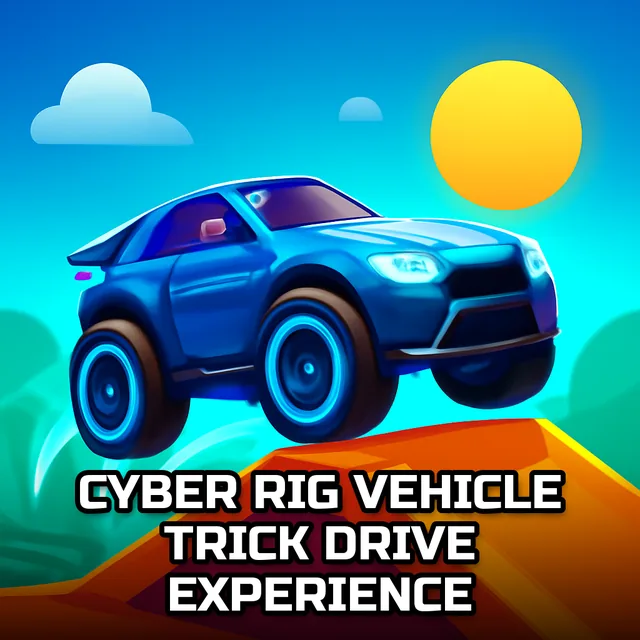
Cyber Rig Vehicle Trick Drive Experience
Instructions:
Movement Arrow Keys and W S A D O Engine On Off F nitro C Change Camera B Back ViewDescription
Play Cyber Rig Vehicle Trick Drive Experience 100% Free
No installs, no login screens, no waiting around for a progress bar to crawl across your phone. You just open the tab and you're already sitting in the driver's seat of a glowing sci-fi rig, ready to go. That matters more than people admit, honestly, because half the fun of a game like this is the impulse to try it right now, not after a download finishes. Since it runs straight in the browser, your storage stays untouched and there's nothing to uninstall later if you get bored — you just close the tab and move on with your day.
Controller & Keyboard Guide
- Arrow Keys or W A S D handle steering and throttle, whichever feels natural to your hands.
- F fires up the engine, so don't forget to hit it before you floor anything.
- C swaps the camera angle if you want a wider view of the ramp ahead.
- B snaps you into a rear view, handy for lining up tight landings.
- Nitro sits on its own key and dumps a burst of speed right when you need to clear a gap.
Score-Boosting Tactics
- Ease off the throttle slightly before a drift entry — the ice-slick surface punishes anyone who yanks the wheel too hard.
- Save nitro for the mega ramps, not the flat stretches; that's where the extra push actually earns you air time.
- Switch camera angles on unfamiliar tracks, since the wider view helps you spot the next ramp before you're airborne and blind.
- Land nose-level whenever possible, because a lopsided touchdown tends to kill your momentum dead.
- Chain drifts through the space-themed sections instead of braking; the sideways slide keeps speed alive longer than a straight stop-start approach ever will.
- Practice the police-chase style stretches at a slower pace first — once you know where the jumps sit, everything else clicks faster.