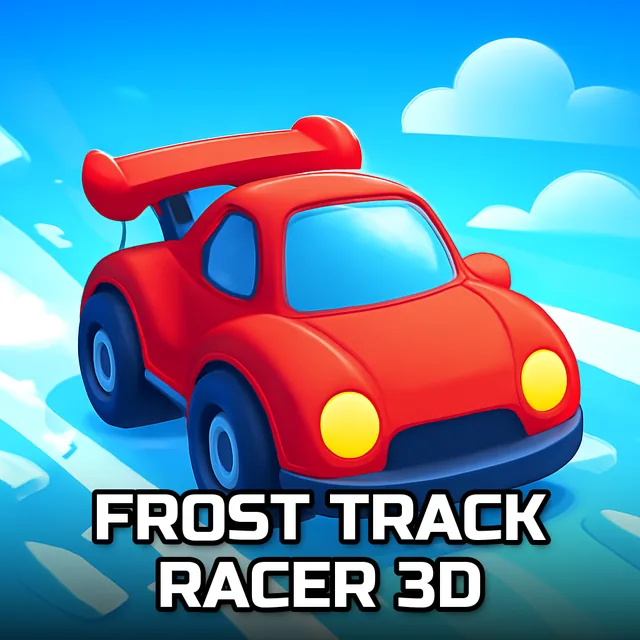
Sling Drift Online
Instructions:
Controls mouseDescription
Sling Drift Online Browser Game Analysis
Why You Should Play
- One-input controls that anyone can pick up in about ten seconds flat, no tutorial slog required.
- A stripped-down drift formula that cares about one thing only: can you hug the middle of the road without spinning out?
- Quick rounds that make it perfect for a coffee-break session or a "just one more try" spiral.
- Roads that twist and narrow in ways that keep your thumb (or mouse hand) genuinely tense.
- A clean, low-pressure vibe if you want drifting mechanics without the sim-racing homework.
Here's the thing about Sling Drift Online: it looks almost too simple when you first load it up, just a car sliding along a track, and you'd be forgiven for assuming there's nothing under the hood. But the tension comes from how unforgiving that center line actually is. Drift a little too wide and you're clipping the edge before you even register what happened. Pull back too cautiously and your momentum dies, which kills your drift angle for the next curve. The game basically asks you to live in that narrow middle ground between reckless and timid, and honestly, that's a harder needle to thread than it sounds. Each stretch of road throws a slightly different rhythm at you, so you're never quite settling into autopilot. It's the kind of loop where a bad run feels like your own fault, not the game's, and that's usually a good sign.
Control Scheme
- Steer and drift using only the mouse, no keyboard needed at all.
- Hold and drag to angle your car into a slide around each curve.
- Release or adjust your position to straighten out before the next bend catches you off guard.
- Fine, small mouse movements matter more than big sweeping gestures once the road narrows.
- The whole scheme is built for quick reflex checks rather than deep menu-driven customization.